A tiny watchdog for your Docker containers.
watchdock runs as a single ~11 MB container, watches every other container on your machines — local or remote over SSH — and pushes a notification to your phone via ntfy when one crashes, goes unhealthy, or recovers.
$ git clone https://github.com/cobanov/watchdock && cd watchdock && docker compose up -d --build
Everything you need, nothing to babysit
Point it at a Docker socket and forget about it. watchdock keeps a live state map of your fleet and turns transitions into notifications.
Push to your phone
Crashes, failing healthchecks and recoveries land on your phone in seconds — through public ntfy.sh or your own ntfy server, with token auth supported.
Your whole fleet, grouped
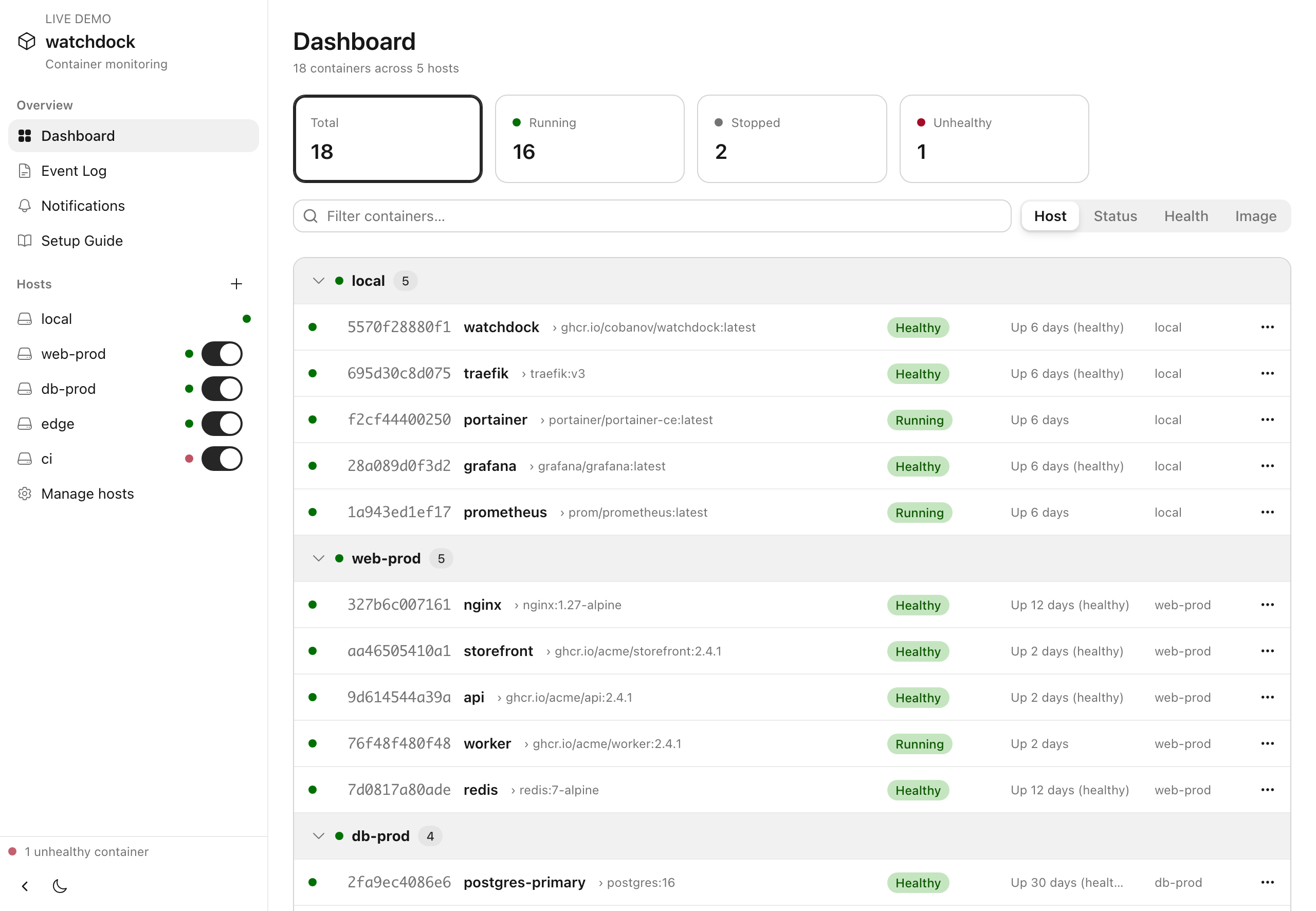
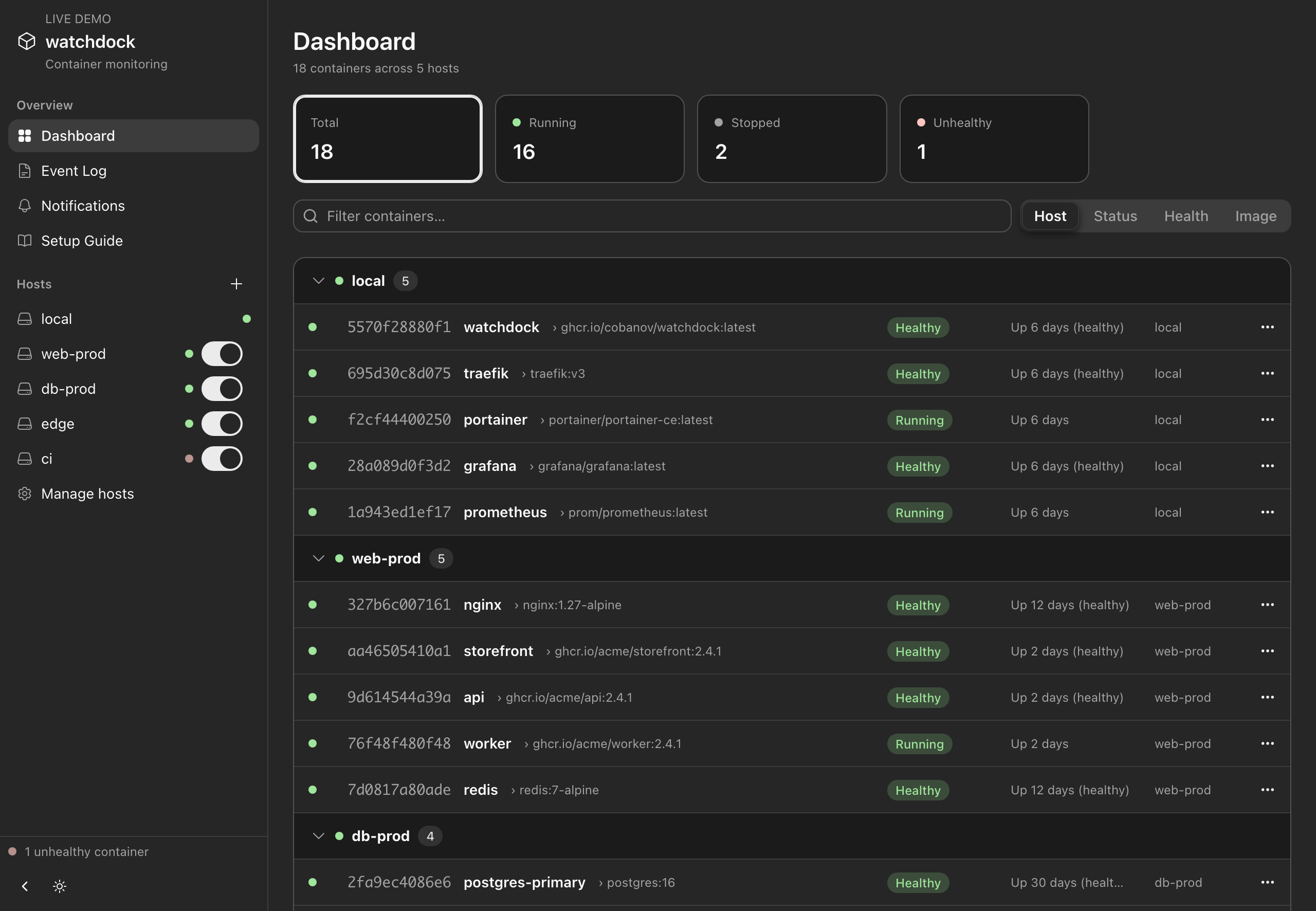
Group by host, status, health or image, filter as you type, and click any container for its full details. States are colour-coded and update live, and every start, stop and crash is kept in the event log.
Knows a crash from a stop
Exit codes and healthcheck transitions are tracked per container. A manual docker stop is never mistaken for a crash.
Remote hosts over SSH
Add a host from the UI over SSH keys or ssh-agent — nothing to install on the other side. Import and export hosts as JSON, and watchdock picks up your ~/.ssh/config too.
Quiet by design
Notifications fire on state transitions only, rate-limited per container and per type — a crash loop won't flood your phone. An ignore list mutes the rest.
Tiny and config-free
A single ~11 MB static Go binary with the UI embedded. No config files to edit — everything's set in the UI and saved to a Docker volume, with light and dark themes.
Five signals, your rules
Each notification type has its own toggle, straight from the web UI. Want only the bad news? Keep unhealthy and crashed. Want the full play-by-play, starts and stops included? Switch everything on.
- Unhealthy — a healthcheck starts failing
- Crashed — died with a non-zero exit code
- Recovered — back healthy, or back up
- Stopped — clean exits and manual stops
- Started — a container starts or restarts
Running in two minutes
Works anywhere Docker Desktop or the Docker daemon runs — macOS, Windows (WSL2), Linux.
-
1
Run it
Clone the repo and bring it up with compose. The image builds locally in seconds.
-
2
Pick a topic
Open
http://localhost:9622, set an ntfy topic, hit Save, then Send test notification. Pick something unguessable — anyone who knows the topic can read it. -
3
Subscribe on your phone
Install the ntfy app (iOS / Android) and subscribe to the same topic. That's it.
# grab it
git clone https://github.com/cobanov/watchdock.git
cd watchdock

# run it
docker compose up -d --build

# open the dashboard
open http://localhost:9622